The Tars Blog: From WordPress to Webflow and MDX

The post you're reading right now isn't sitting in a CMS anywhere. It's a Markdown file in the same Git repository as our product code, written in my own editor, checked by a validation script, and merged through a pull request like any other change. That's not an accident.
The Tars blog has run on four content systems in its life, each one replacing the last for a specific reason. Here's the shape of that journey before I get into the details:
Self-hosted WordPress
WordPress served every page directly. We owned the server, the database, and every plugin update.
Headless WordPress + Next.js
WordPress became an API. A separate Next.js app took over rendering, caching, and everything the reader saw.
Webflow CMS + Next.js
Marketing content moved to Webflow's visual editor. Next.js kept owning performance and resilience.
MDX in this repo
Engineering content, this post included, moved to Markdown files reviewed like code. No CMS in the loop at all.
I only worked on the last two of these migrations myself, but I inherited enough context, and cleanup, from the first one to tell the whole story straight through. Each move looked unnecessary right up until the old system's specific failure mode showed up.
Phase one: a WordPress server someone had to babysit
Before my time on this team, hellotars.com's blog ran on WordPress in the classic sense. We owned the server. We owned the database. A theme rendered every page directly to visitors.
This is the phase I know least firsthand, but its shape is familiar to anyone who's run self-hosted WordPress at any scale. Content and infrastructure were the same system, so publishing a post and keeping the server healthy were, technically, the same job:
- Patching WordPress core and every plugin, on a schedule set by security advisories, not convenience
- Plugin updates that occasionally broke the theme, sometimes only after they'd already shipped
- Capacity planning and on-call attention whenever traffic spiked or a process needed restarting
None of that scaled with how much content we published. It scaled with how much surface area the server had.

The fix at the time wasn't to leave WordPress. It was to stop letting it face visitors directly.
Phase two: headless WordPress, still fragile
The next iteration kept WordPress as the system of record, but moved it behind an API. A separate Next.js app called that API and owned everything the reader actually saw: rendering, caching, performance.
That fixed the sharpest edge of phase one. A struggling CMS could no longer take the whole site down with it, because the CMS was no longer serving the site.
What it didn't fix is more interesting. Putting a layer in front of a fragile backend doesn't make the backend less fragile, it just moves where you have to account for that fragility. Our frontend code was quietly assuming three things about the WordPress API, and none of them were safe:
| Assumption we made | What actually broke | The fix |
|---|---|---|
| It always responds quickly | A slow or hung call would sit there with nothing bounding it | Cap every call at a sane timeout |
| It always responds correctly | "Content doesn't exist" and "the API just failed" looked identical | Classify the response before deciding what to do |
| It never returns more than needed | Full payloads and sequential calls added real time to every load | Trim fields, fetch independent calls in parallel |
Each row below got its own incident before it got fixed.

Lesson one: an upstream with no timeout is a liability
The API had no bound on how long a request could take. A slow or hung call would just sit there, and the page waiting on it sat with it too.
The fix is small and well known: cap every call to an external system at some sane limit. It's worth naming anyway, because it's the first thing any dependency on someone else's service needs, and the easiest thing to skip while an integration is new and everything still works.
Lesson two: "not found" and "temporarily unreachable" aren't the same failure
This was the sharper one. Our earliest integration treated two very different failures the same way:
- Content that genuinely didn't exist
- Content the backend simply failed to return right now
Both looked identical to the calling code, so both got the same response: give up.
A caching layer needs those two outcomes to be opposites, not the same thing:
| Outcome | What actually happened | What the cache should do |
|---|---|---|
| Real 404 | Backend responded fine, content genuinely doesn't exist | Trust it, safely replace whatever was cached before |
| Transient failure | Backend timed out or errored | Distrust it, keep serving the last known-good page and retry soon |
Collapsing them into one path meant a flaky backend could, in the worst case, make a live post look deleted, or make an actually-deleted post keep getting retried forever.
A vanished post and a down API look the same to a reader
Both just show an error or a blank page. The difference only matters to your caching strategy, but it matters a lot: treat a temporary outage as permanent and you quietly delete content from your site until someone notices and fixes it by hand.
The fix was conceptually simple once we named the problem: classify every response into exactly one of two buckets before deciding what to do with it.
That one branch, response failed versus response succeeded but empty, is the entire fix. Everything else was making sure every call site respected it consistently.
Lesson three: only ask for what the page actually uses
Two smaller issues rounded this phase out, both the same theme in different clothes:
- Requests that could run independently were running one after another instead of in parallel, adding real time to every page load
- Responses came back with full content payloads when a given page only rendered a fraction of those fields
Neither fix added a capability. Both just stopped paying for work nobody used.
By the end of this phase, our WordPress dependency was as resilient as we could make it from the outside. But every fix on that list was compensating for the same underlying fact: the system of record for our content was still a server we had to keep healthy, and we were discovering its failure modes one incident at a time instead of by design.
Phase three: Webflow takes marketing, code keeps control
In May 2026, we moved marketing content off WordPress entirely and onto Webflow's CMS. This is the migration I led, and it started from a different question than "which API do we call now": who actually needs to touch this content, and what do they need from the tool that holds it?
Marketing and content teams don't want to file a ticket to change a headline or swap an image. A visual CMS gives them that directly, no engineering required for day-to-day changes. That's the entire pitch, and it's a real one. But it's also exactly why Webflow couldn't be a drop-in replacement for the old API: a hosted CMS's job is to hold content, not to guarantee how fast the site loads or how gracefully it degrades on a bad day. Next.js still had to own that layer, just against a different upstream.
Why Webflow, specifically
A plain headless CMS, the same category WordPress's API had put us in, solves "who can edit content." It doesn't solve the deeper problem: someone still has to build the page around that content. A marketer with permission to change a headline still can't ship a new landing page without an engineer wiring up a layout for it.
Webflow's real advantage is that it bundles a visual page builder with the same content model. A non-engineer can lay out and ship a whole page, not just fill in fields on one an engineer already built.
That's also why the blog wasn't where Webflow adoption stopped. It was the migration that proved the pattern, the API integration, the caching, the error handling, in production, at low stakes. Once it held up, we extended the same approach further, in this order:
Home, demo, and pricing pages
The next pages moved over once the blog migration had already proven the integration pattern in production.
Partner pages
Same pattern again, applied to another section entirely owned by marketing.
The full homepage
The last and highest-traffic page to move, once the pattern had held up everywhere else first.
Each of those moved a whole page's ownership to Webflow, not just its copy. That only made sense because Webflow could hold layout and content together instead of just one of the two.
Two smaller advantages mattered as well:
- Webflow's content model maps cleanly onto the same kind of API access our Next.js code already expected from the headless-WordPress phase, so the integration pattern carried over instead of needing to be reinvented
- It's a hosted product, so patching and scaling the CMS itself stopped being our job, something phases one and two never fully escaped
Getting content flowing was the easy part
The harder problem showed up once Webflow was actually load-bearing in production, and it split into two design questions.
When is a cache actually safe to trust? Caching a backend response to avoid redundant calls is a reasonable default. But what happens when the underlying content changes while a cached copy is still considered fresh? If an editor updates a page and the site keeps serving a stale version for the rest of that cache's lifetime, the CMS's whole value proposition, that non-engineers can change content and see it reflected, quietly breaks. The fix: let the CMS tell you when something changed, and invalidate that entry at that moment, rather than only on a timer.
Does every failure deserve the same response? We also had to tell our own mistakes apart from the CMS's outages, because the right response to each is different:
| Failure type | Example | Right response |
|---|---|---|
| Our own bug | Missing config, bad credential, wrong ID | Fails the same way every time until we fix and redeploy; retrying changes nothing |
| Upstream outage | CMS timeout, bad or slow response | Usually transient; retry on a normal cadence, don't hammer it or give up permanently |
Splitting those two categories apart, instead of routing every failure through one generic handler, is what made this integration production-grade rather than just functional.

For anyone evaluating a similar move, Webflow's own overview of how its CMS models content is a reasonable primer before diving into the API side:
Comparing what each system actually gave us
Laid side by side, the pattern across all four systems is less "each one replaced the last" and more "each one fixed exactly the problem that hurt, and left the rest for the next migration":
| System | Who can edit content | Ops burden | Performance & resilience | Version control |
|---|---|---|---|---|
| Self-hosted WordPress | Anyone with CMS access | High: patching, plugins, server capacity all ours | Whatever the server and theme happened to do | None; content lived only in the database |
| Headless WordPress (API) | Anyone with CMS access | Medium: no rendering risk, but still a backend to keep healthy | Fully in our code, but reactive, fixed after each new failure mode appeared | None; content still lived only in the database |
| Webflow CMS + Next.js | Marketing/content, no engineering needed | Low: the CMS hosts and patches itself | Fully in our code, designed in up front rather than patched after | None; content lives in the CMS's own history |
| MDX in this repo | Engineers, via a pull request | Effectively none: it's just files | Static at build time; no runtime dependency on a CMS at all | Full Git history, diffs, and code review |
Reading down that last column is really the whole argument for why this post doesn't live next to our case studies in Webflow.
Phase four: why engineering content needed its own system entirely
Webflow solved the marketing content problem well enough that it never occurred to me to try writing this post there. Engineering writing needs things a visual CMS was never built for:
- Real code blocks and real diffs, not a rich-text editor's approximation of either
- Tables that are actually tables, not screenshots of tables
- Review the way we review everything else we ship: as a diff, by a teammate, before it goes out
- Written by engineers who already live in an editor and a terminal, not a web-based content tool
Asking someone to context-switch into a CMS to write about a fix they'd rather explain in the same tool they wrote it in was never going to produce posts anyone wanted to finish.

So alongside hardening the Webflow integration, I added a second, entirely separate blog: engineering posts as Markdown files in this repository, compiled at build time, with no CMS involved at all. A post here is a pull request. It gets a real code review. Its history is the same Git history as the product code next to it.
And because there's no runtime dependency on an external service to render it, this entire category of problems, timeouts, ambiguous failures, stale caches, mismatched retry strategies, simply doesn't apply. There's nothing upstream left to fail.
The tradeoff is real, and I don't want to undersell it. Writing a post here means opening a code editor and knowing enough Git to open a pull request, a meaningfully higher bar than a CMS's editor. That's a fine trade for engineering content, written by engineers, reviewed by engineers. It would be a bad trade for marketing copy that needs a dozen small wording iterations from someone who has never opened a terminal.
Different content, different constraints, different tool. Trying to force both into one system is what got us into trouble with WordPress in the first place, when a single CMS had to be the right answer for every kind of content on the site.
What I'd tell someone about to do this
A few things stood out to me across all of this, worth writing down before they fade into "obviously, in hindsight":
- A failure mode tells you what to fix, not a general unhappiness with the tool. We didn't leave a system because it was old; we left specific parts of it because specific things kept breaking in specific ways. Chasing "let's modernize" without a concrete failure in hand tends to trade one set of unknown problems for another.
- Decoupling rendering from a CMS doesn't decouple you from its failure modes. Putting a frontend in front of a backend felt like a clean break, but the backend's behavior, timeouts, ambiguous errors, still leaked straight through until we wrote code that assumed it would misbehave.
- A CMS earns its complexity per audience, not per site. A visual CMS is the right amount of tooling for someone editing marketing copy. It's the wrong amount of tooling, in the other direction, for engineers writing about a bug fix. One system trying to serve both audiences ends up over-building for one and under-serving the other.
- The most resilient content backend is the one with no runtime dependency at all. Static content compiled at build time can't have an upstream outage, because it doesn't have an upstream once the build finishes. That's not an argument against ever using a CMS; it's an argument for reserving "no CMS" for the content where a review-based workflow is a feature, not friction.
I don't think this is the last time the Tars blog's architecture changes. But for the first time, the split feels like it fits the actual shape of the two audiences writing here, and this post existing at all, as a Markdown file, reviewed like code, published without a single CMS field being touched, is the proof.
Build innovative AI Agents that deliver results
Full Stack Engineering intern at Tars. I do care about sharing and scaling.


Recommended Reading: Check Out Our Favorite Blog Posts!
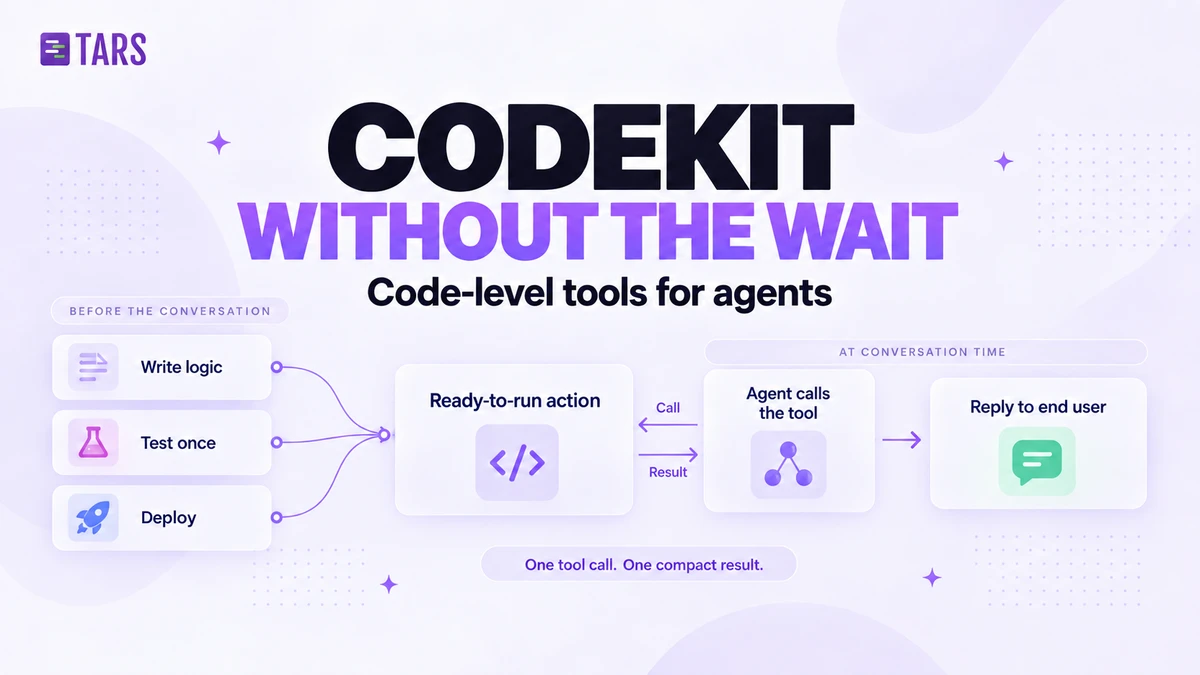
CodeKit: Code-Level Tools for Agents, Without the Wait

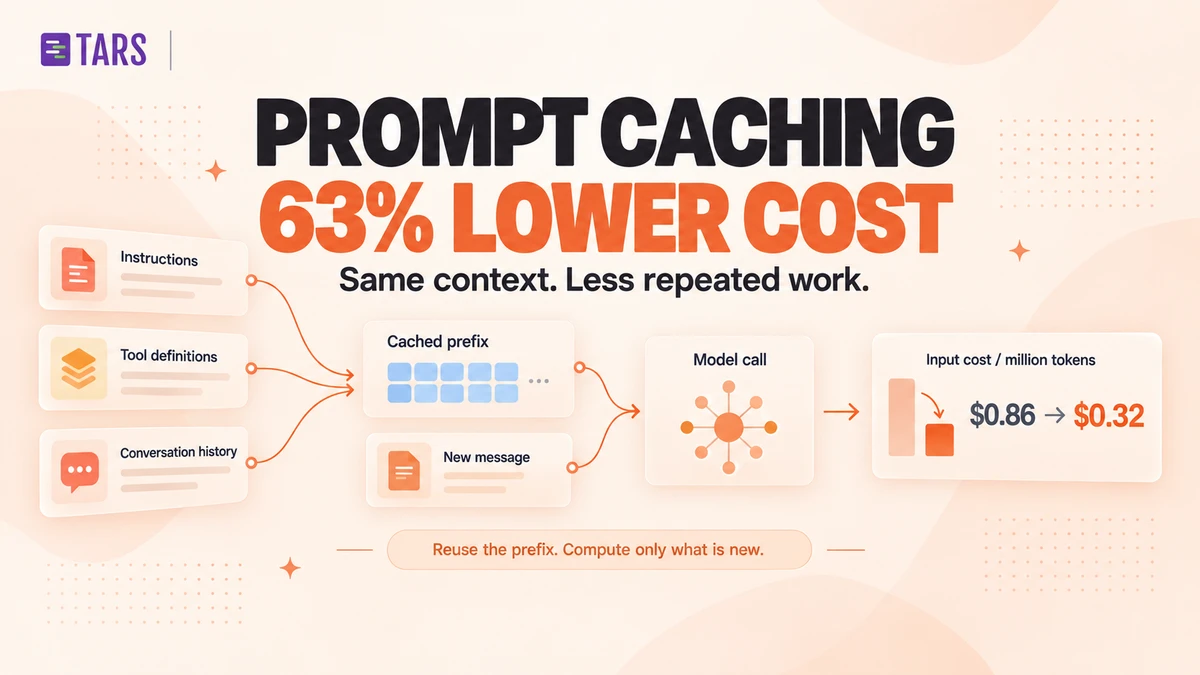
How Prompt Caching Cut Our AI Agent Costs by 63%
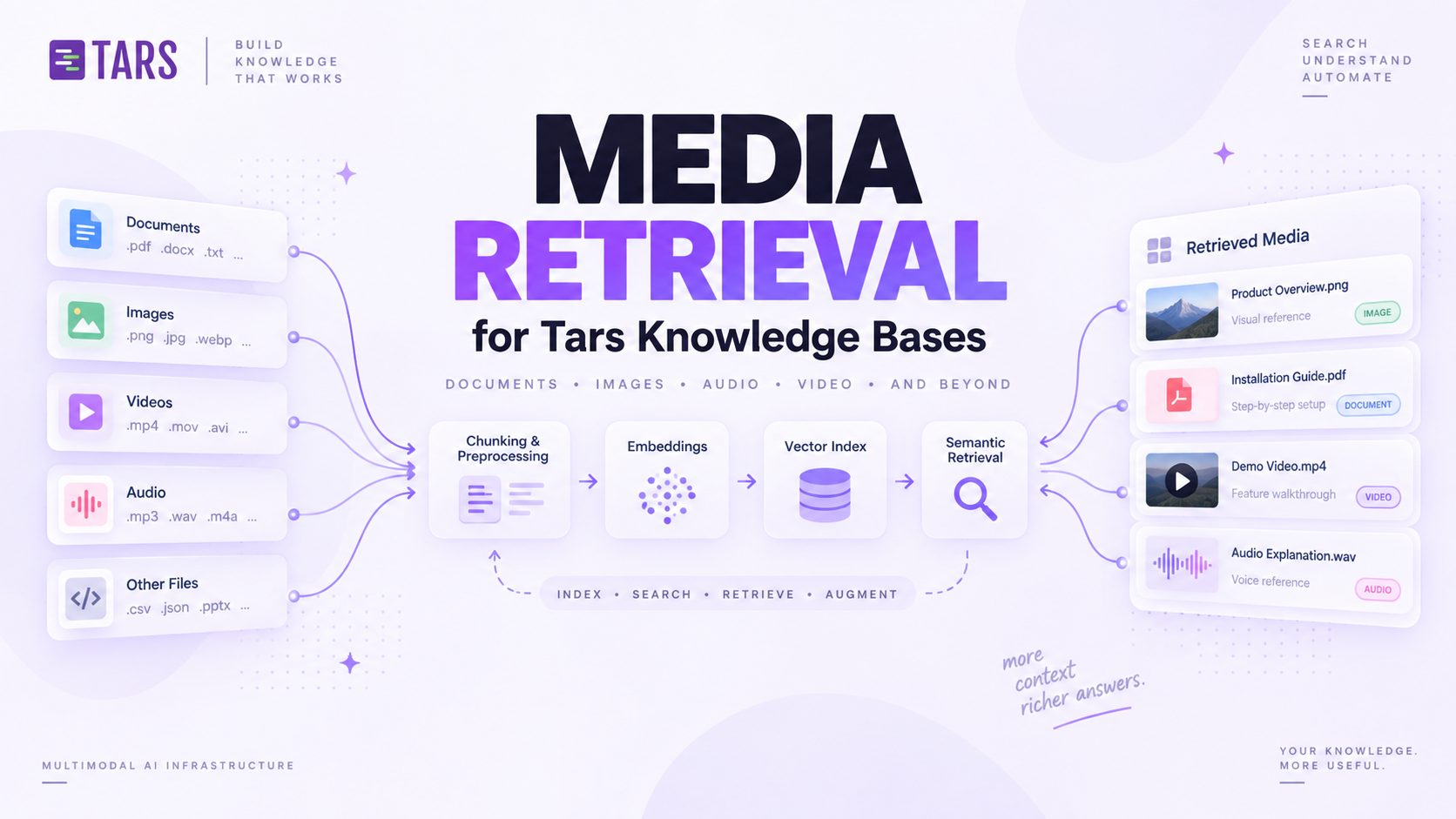
How We Built Media Retrieval for Tars Knowledge Bases