CodeKit: Code-Level Tools for Agents, Without the Wait

An AI agent in customer experience has a constraint that a coding agent does not have. A person is waiting on the other side of the chat. Every extra model call is a delay that the person feels.
That constraint shaped CodeKit, our feature that lets a builder write a custom tool in code and hand it to an agent. This post is about the idea behind it rather than the implementation: the problem we hit with ordinary tool integrations, the obvious fix we rejected, and the design principle we settled on. If you run agents where a human is waiting, the same reasoning should apply to you.
The limits of ready-made tools
Our agents could already use tools in two ways. We had in-house integrations, and we had Model Context Protocol (MCP) tools. Both give an agent reach: it can read a mailbox, create a ticket, or update a CRM record.
Both have the same four limits:
- Little customization. A tool does what its author decided. If you need a different filter, a different field, or a different default, you cannot change it.
- No data processing. A tool returns what the API returns. Often that is 40 fields when the agent needs three, and every field costs tokens in the prompt.
- Little control. The model decides what to call, in what order, with what arguments. For a business rule that must hold every time, "the model usually does it right" is not enough.
- Management overhead. Each new need becomes a request for a new integration, and someone has to build, host, and maintain it.
The chain problem
The limits bite hardest on a task with several dependent steps. Take this request: "Check whether my refund email arrived, and tell me its status."
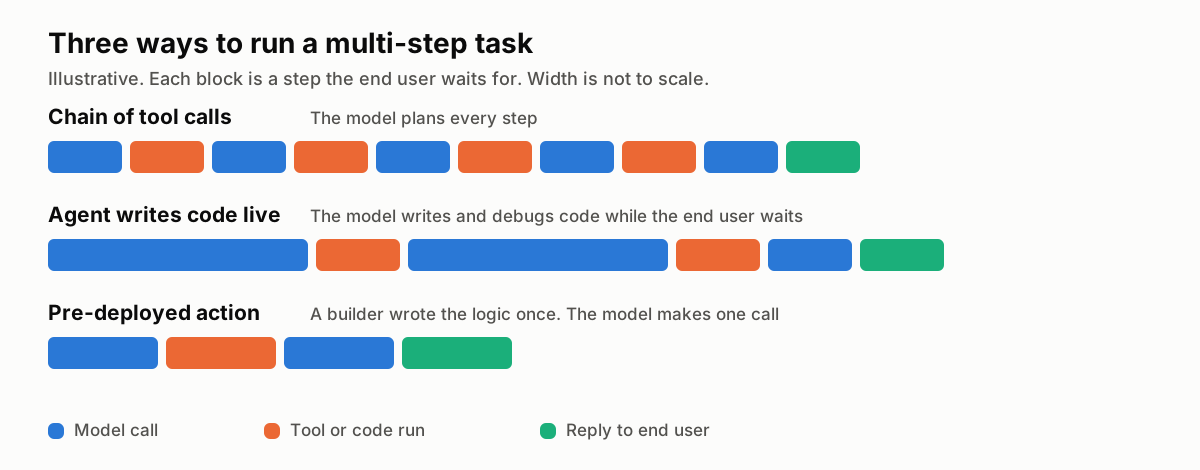
With ordinary tools, the agent must do this as a chain:
- Call the mail tool to search for messages from the customer.
- Read the result, and pick the right message.
- Call the mail tool again to fetch the full message.
- Read the result, and extract the order number.
- Call the order tool with that number.
- Read the result, and write the reply.
Each "read the result" step is a full model call. Each model call sends the whole conversation again, plus every tool result so far. The end user waits for all of them. And at every step the model can choose wrongly, so the chain is only as reliable as its weakest step.
The obvious fix, and why we rejected it
The popular fix is to give the agent a code sandbox. The agent writes a short program that calls the tools, transforms the data, and returns one result. One program replaces a chain of calls.
This works well for a coding assistant or a research agent. It did not fit our domain, for three reasons.
The end user waits for the programming. The model must write the code, run it, read an error, fix it, and run it again. That loop can take longer than the chain it replaces. In a support chat, a person watches a typing indicator for all of it.
The result is not deterministic. The model writes new code on every conversation. Two customers with the same question can get two different programs. A business rule must not depend on what the model wrote this time.
The risk is hard to bound. Code that a model wrote seconds ago, with access to customer data and credentials, runs with no review. Nobody approved it, and nobody can audit it in advance.
The idea: write the code before the conversation
The question we kept coming back to was this: which parts of a task need the model's judgment at conversation time, and which parts do not?
Most of a multi-step task does not need judgment. "Search the mailbox, pick the newest match, extract the order number, fetch the order" is business logic. It is the same every time. Someone who knows the business can write it once.
The part that needs judgment is small. The model has to decide that this tool is the right one, fill in its inputs from the conversation, and explain the result to the end user.
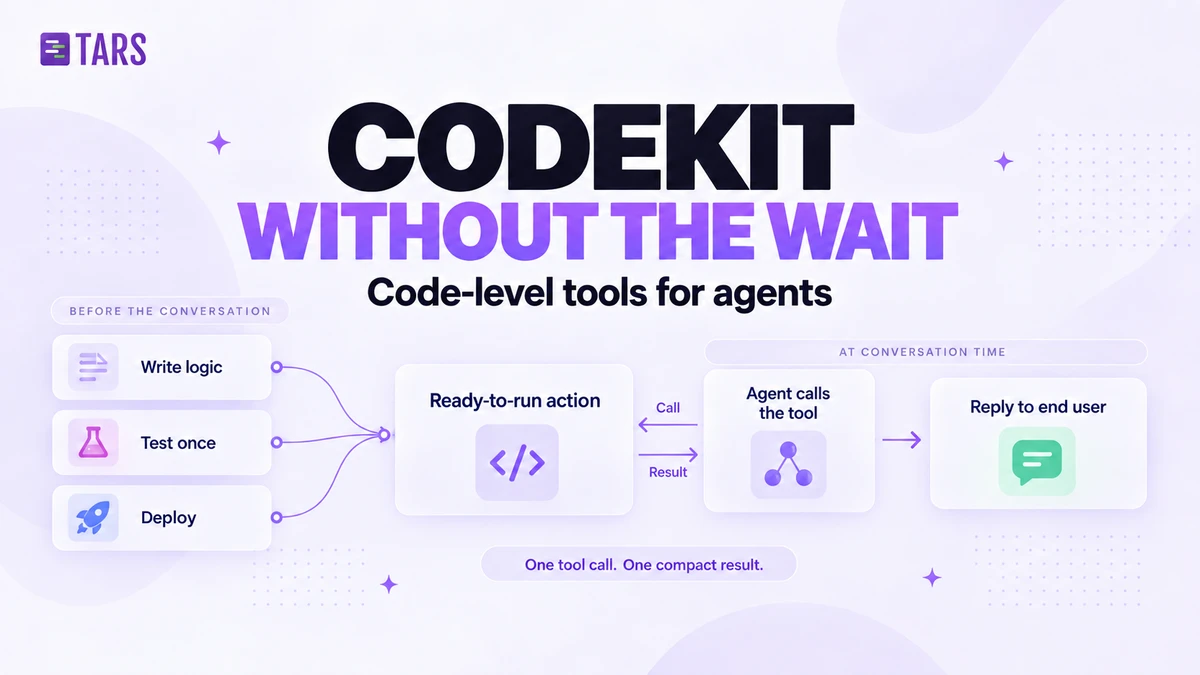
So CodeKit moves the code to build time:
- A builder writes a small function in the dashboard (CodeKit calls it an action), with a typed input and a predictable output.
- The builder tests it and deploys it. It is now a tool that any agent in the organization can use.
- At conversation time, the agent makes one tool call. The function runs the whole chain in code and returns one compact result.
The model still chooses when to call the tool. It no longer plans, sequences, or debugs what happens inside it.
| Chain of tool calls | Agent writes code live | Pre-deployed function | |
|---|---|---|---|
| Model calls for a 3-step task | One per step, plus the reply | Several, to write and fix code | One, plus the reply |
| Who writes the logic | The model, on every conversation | The model, on every conversation | A builder, once |
| Same input gives same behavior | No | No | Yes |
| Reviewed before it runs | No | No | Yes |
| Data shaped before the model sees it | No | Yes | Yes |
| What the end user waits for | Every step | Writing, running, and fixing code | One function run |
What the function needs to be able to do
If the code is written once and runs many times, it has to be capable enough that builders never fall back to the chain. Five capabilities turned out to be the floor.
Call any external API. Most business logic ends in a request to a system we have never heard of. The function needs an HTTP client that returns failures as values instead of exceptions, so that a bad response becomes a clear error message for the end user rather than a dead end. We also draw one hard line: the public internet is reachable, private networks are not.
Call the integrations you already have, without seeing their credentials. The organization has already connected its mailbox, its helpdesk, its CRM. The function should be able to call those as ordinary typed functions. The important part is what the code does not see: tokens and keys stay with the connection, and a proxy attaches them on the way out. A builder can combine five services in one function and never handle a secret.
This also gives parallelism for free. Three independent lookups that would have been three sequential model turns can run at the same time in code, and take as long as the slowest one.
Keep secrets out of the code. Keys for the builder's own APIs live in encrypted configuration, scoped to one tool or shared across a set of them. Rotating a key means updating a value, not redeploying code. Logs never show the values.
Remember things between conversations. An agent sometimes needs memory that outlives one chat: a counter, a cached lookup, the last status it told a customer, a small queue. A simple key-value store scoped to the organization covers most of that, and it saves builders from standing up a database for a hundred bytes of state.
Return only what the model needs. The single biggest quality win is the least glamorous one. The function shapes the result before the model sees it. Three fields instead of five email bodies and a full order record means fewer tokens, less confusion, and a better answer.
In the refund example, all six steps of the chain collapse into one function. The model sees an order number, a refund status, and an amount. Nothing else.
Running untrusted code without running servers
The part of this design that still surprises me is how little infrastructure we operate for it. We do not run a fleet of sandboxes, and we do not manage containers.
Every deployed function runs on a serverless edge platform, in its own isolated execution context, an isolate. We chose this for three properties:
- Cold starts are measured in milliseconds. A container can take seconds to spin up, which would put the wait right back into the chat. An isolate starts fast enough that the end user does not notice it.
- Isolation is the default. Builder code is untrusted code, even when the builder is a customer we like. Each run gets its own memory, its own CPU budget, its own time limit, and a cap on outbound requests. An infinite loop ends itself and takes nothing else down.
- Someone else scales it. A function that gets called ten times a day and one that gets called ten thousand times run on the same platform with no capacity planning on our side.
Our own runtime calls the platform over an authenticated channel, gets the result back, and hands it to the model. Execution logs pass through redaction before anyone can read them, and builders can opt to keep inputs and outputs out of the logs entirely for tools that handle personal data.
Two ways to use the same function
A deployed function is a tool, and it turned out to be useful in two different modes.
Let the agent decide. The function is offered to the AI agent as a tool. The model decides when to call it and fills in the inputs from the conversation. This is the right mode when the trigger needs judgment.
Run it as a fixed step. The function runs at a set point in a flow, with explicit inputs and separate paths for success and failure. No model is involved. This is the right mode when the step must always happen, such as a fraud check before a payout.
The same code serves both. A team can start with the agent deciding, find that one step has to be guaranteed, and pin that step down with no rewrite.
What this design costs
CodeKit is not free of tradeoffs, and a team that copies the idea will meet the same ones.
- Someone has to write code. A chain of tools needs no developer. A function does. Starter templates, generated types, and a test panel lower the bar, but it is still code.
- Flexibility moves to build time. An agent with a live sandbox can solve a problem nobody predicted. A CodeKit agent can only call the functions that exist. For customer experience we want that limit, because predictable behavior is the product.
- A deployment is a release. A deployed function is live for the whole organization at once, so builders have to treat deploying like a production release, because it is one.
- Descriptions are part of the code. A correct function with a vague description does not get called. The model picks tools by reading their names and descriptions, and it is the mistake we see most often when we review a toolkit with a customer.
When to use which
| Your situation | Use |
|---|---|
| One simple call to a service that already has an integration | The ready-made integration |
| Several dependent calls, or data that needs shaping | A pre-deployed function the agent can call |
| A step that must run every time, in a fixed order | The same function, as a fixed step in the flow |
| Your own internal API | A function with an HTTP call and a stored secret |
| State that must outlive the conversation | A function with the key-value store |
The idea under all of this is small. Let the model do what only a model can do: understand the person, choose the tool, and explain the result. Write everything else as code, before the conversation starts, so that the person who is waiting does not wait for it.
To try it, start with the CodeKit overview in our docs.
Build innovative AI Agents that deliver results
Full Stack Engineer at Tars. I build the tools our AI agents use and the interactive experiences around them, from the dashboard to the chat.


Recommended Reading: Check Out Our Favorite Blog Posts!
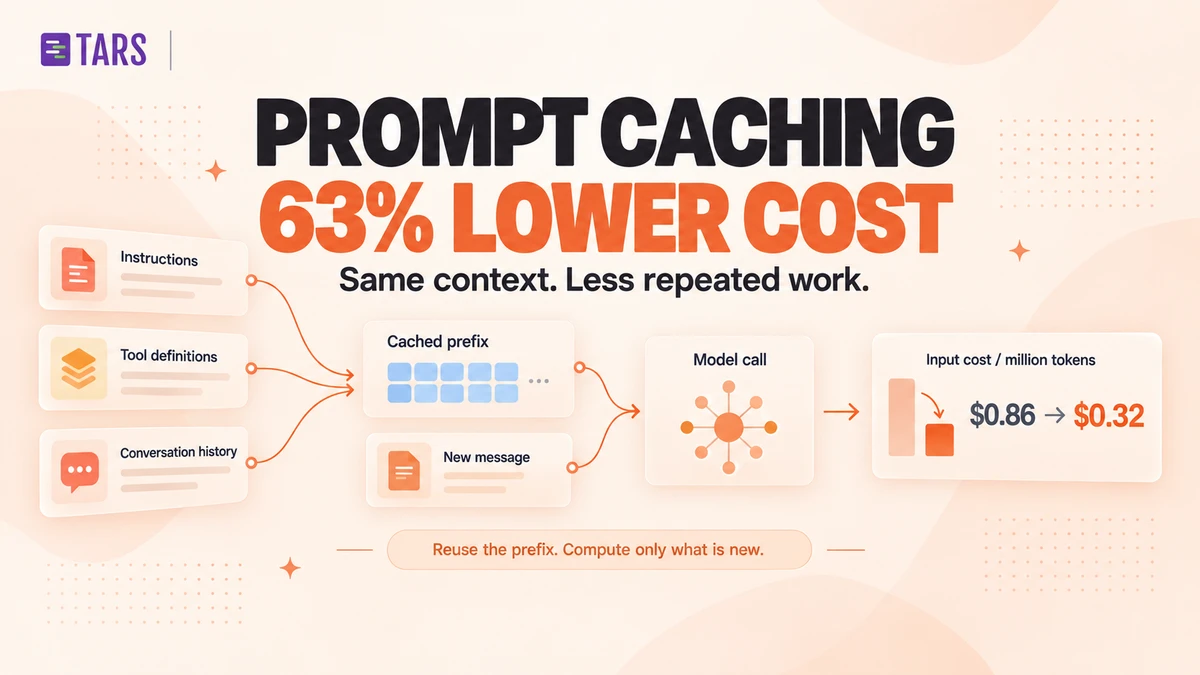
How Prompt Caching Cut Our AI Agent Costs by 63%
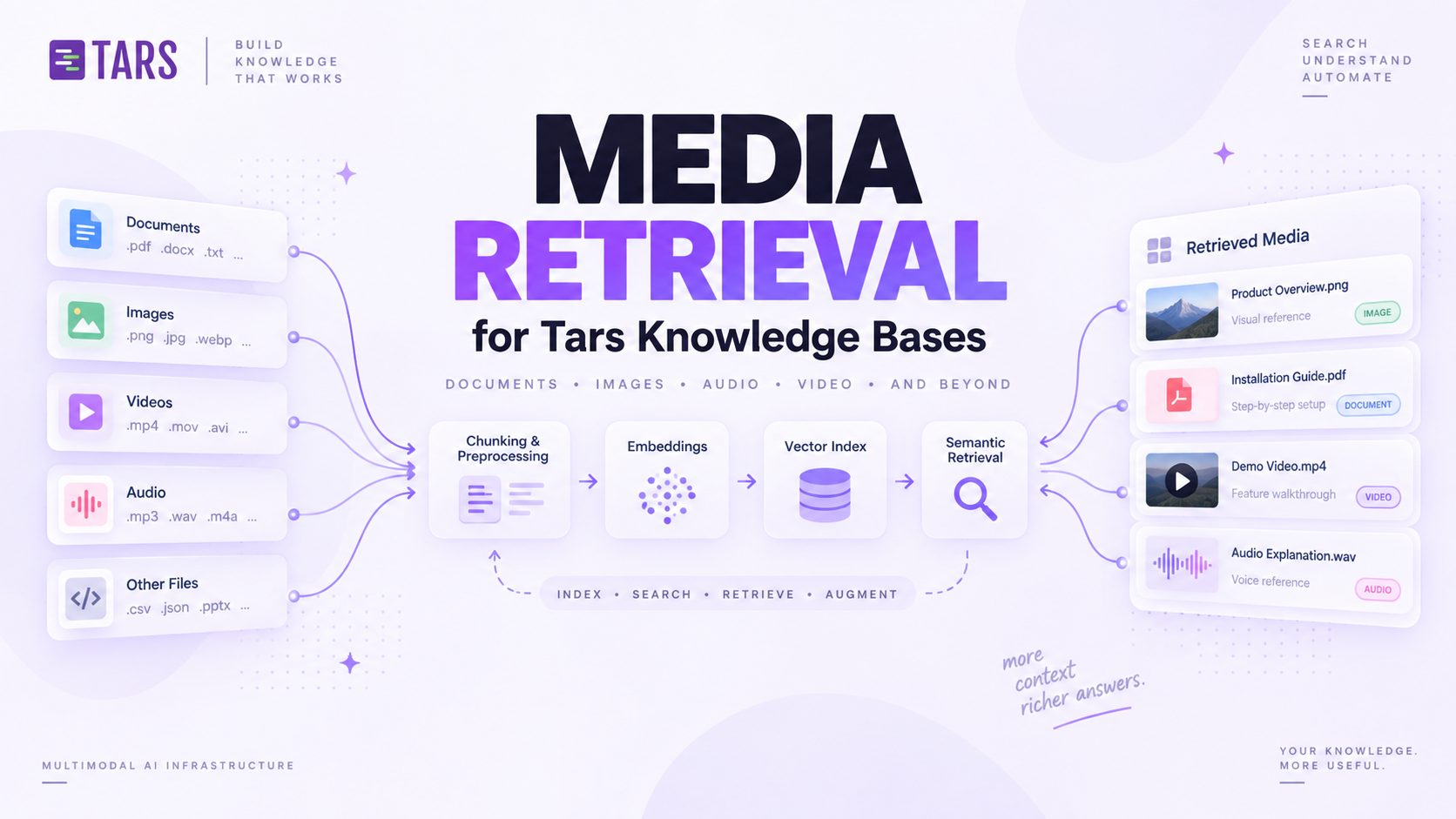
How We Built Media Retrieval for Tars Knowledge Bases


The Tars Blog: From WordPress to Webflow and MDX